

Documentation Index
Fetch the complete documentation index at: https://mintlify-docs-editor-agent-panel.mintlify.app/llms.txt
Use this file to discover all available pages before exploring further.
Preview deployments
Every time you save changes to a feature branch, Mintlify builds a preview deployment — a temporary URL that renders your changes exactly as they look when published. Use it to review your work or collect feedback before merging.Access your preview
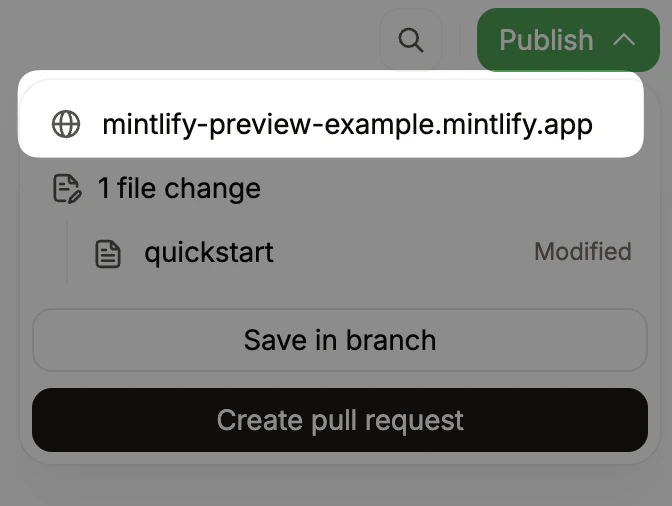
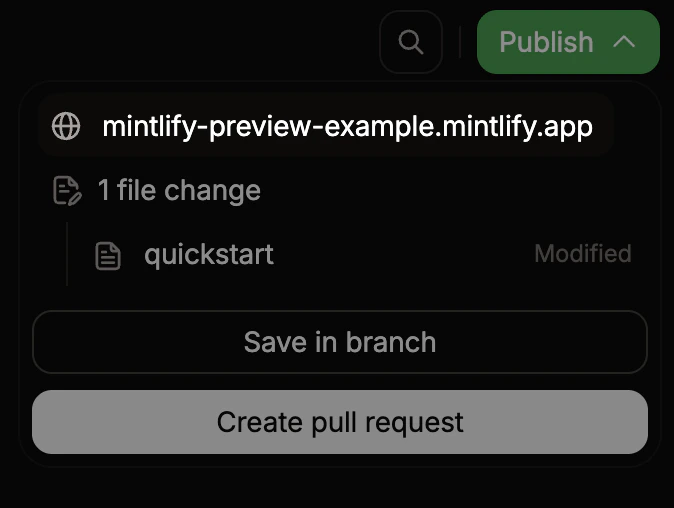
- Click Publish in the editor toolbar.
- In the publish menu, click the preview URL. The URL format is
organization-branch-name.mintlify.app.
Share your preview
Copy the preview URL and send it to reviewers. The preview updates automatically each time you save to the branch, so reviewers always see your latest changes at the same URL.Restrict access to previews
Preview URLs are publicly accessible by default. To restrict access to members of your Mintlify organization, enable preview authentication in the Add-ons page of your dashboard.Share editor links
To invite a teammate to view or edit a specific page on a branch, copy the URL from your browser’s address bar and share it. Anyone with access to your Mintlify organization can open the link directly in their editor session on the same branch. The URL format is:https://app.mintlify.com/acme/docs/editor/main/~/guides/quickstart.mdx